
Скачать ConceptDraw Mindmap Professional – карта ума, мозговой штурм, планирование проектов, организация идей, визуальное мышление, инструмент продуктивности, креативное планирование, программное обеспечение для создания ментальных карт
Обзор
ConceptDraw Mindmap Professional — это мобильный инструмент продуктивности, разработанный для поддержки структурированного мышления и совместного планирования через визуальную организацию. Приложение позволяет пользователям создавать настраиваемые ментальные карты, схемы и диаграммы, которые служат динамическими рамками для мозгового штурма, планирования проектов и разработки идей. Его основная цель — преобразовать абстрактные мысли в чёткие иерархические визуальные структуры, помогая пользователям оптимизировать рабочие процессы и повышать креативность. Целевые пользователи включают профессионалов, преподавателей, студентов и менеджеров проектов, которые полагаются на структурированное планирование и визуальное мышление для организации сложных задач и эффективной коммуникации идей.
Приложение поддерживает ряд форматов файлов, включая изображения, HTML и PDF‑документы, что позволяет бесшовно интегрировать внешний контент в ментальные карты. Эта возможность повышает полезность приложения в реальных сценариях, таких как командные встречи, академические исследования, бизнес‑стратегические сессии и личное отслеживание целей. Благодаря возможности связывать идеи с различными документами и внешними ресурсами, ConceptDraw Mindmap Professional способствует более взаимосвязанному и интерактивному опыту планирования. Хотя разработчик не предоставил дополнительных технических деталей, длительное присутствие продукта на рынке свидетельствует о зрелом и стабильном решении с упором на надёжность и функциональность.
Ключевые функции и возможности
- User-Friendly Interface: Designed for intuitive navigation, the interface supports users of all experience levels. The clean layout simplifies the process of creating and editing mind maps without requiring prior training.
- Multi-Format Support: The app allows import and insertion of various file types, including images, HTML, and PDFs. This feature enables users to enrich mind maps with external content, enhancing both visual clarity and informational depth.
- Dynamic Linking: Users can embed hyperlinks to other mind maps, web pages, or applications. This functionality supports interactive presentations and facilitates deeper exploration of related topics during planning sessions.
- Brainstorming Optimization: The software is tailored to capture and structure ideas in real time, making it ideal for collaborative sessions where rapid idea generation and organization are critical.
- Time-Efficient Planning: By providing structured templates and automated layout tools, the app reduces manual effort in organizing content, accelerating project initiation and execution.
For example, a project manager can use the app to map out a product launch timeline, linking each milestone to relevant documents and team members’ contacts. A student might use it to outline a research paper, embedding references and diagrams directly into the mind map. These practical applications demonstrate how the app enhances productivity and clarity across diverse use cases.
Interface, UX & Performance
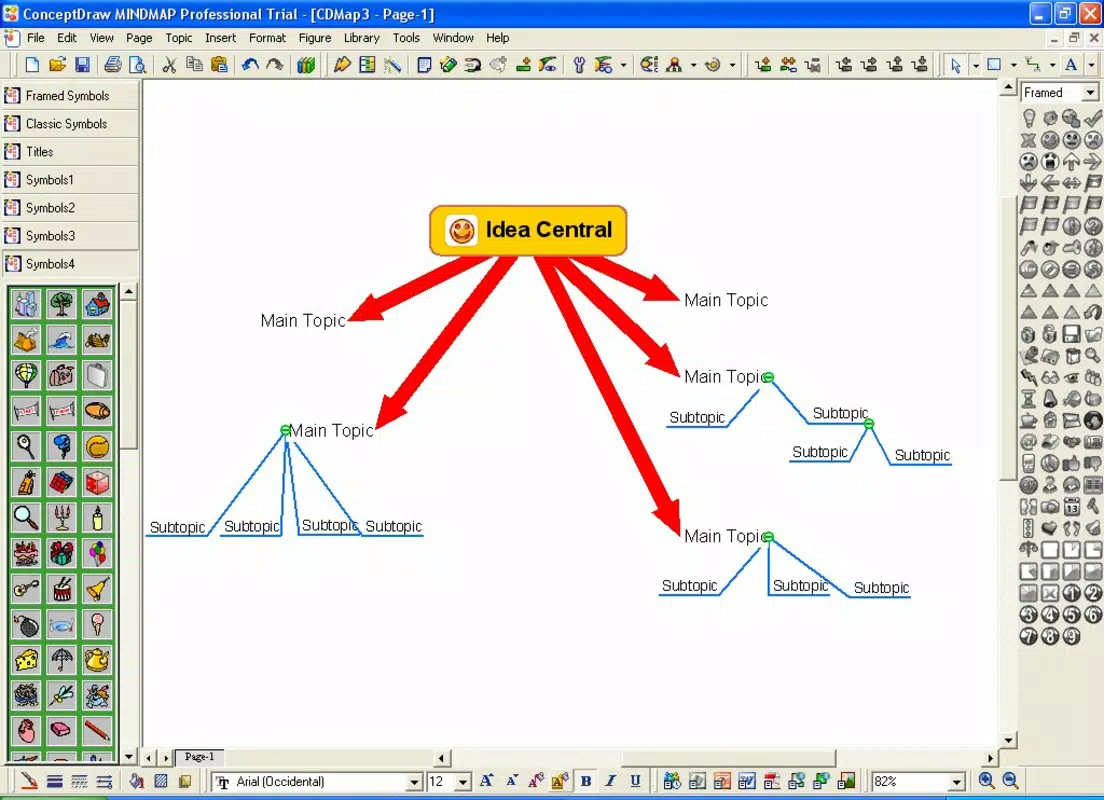
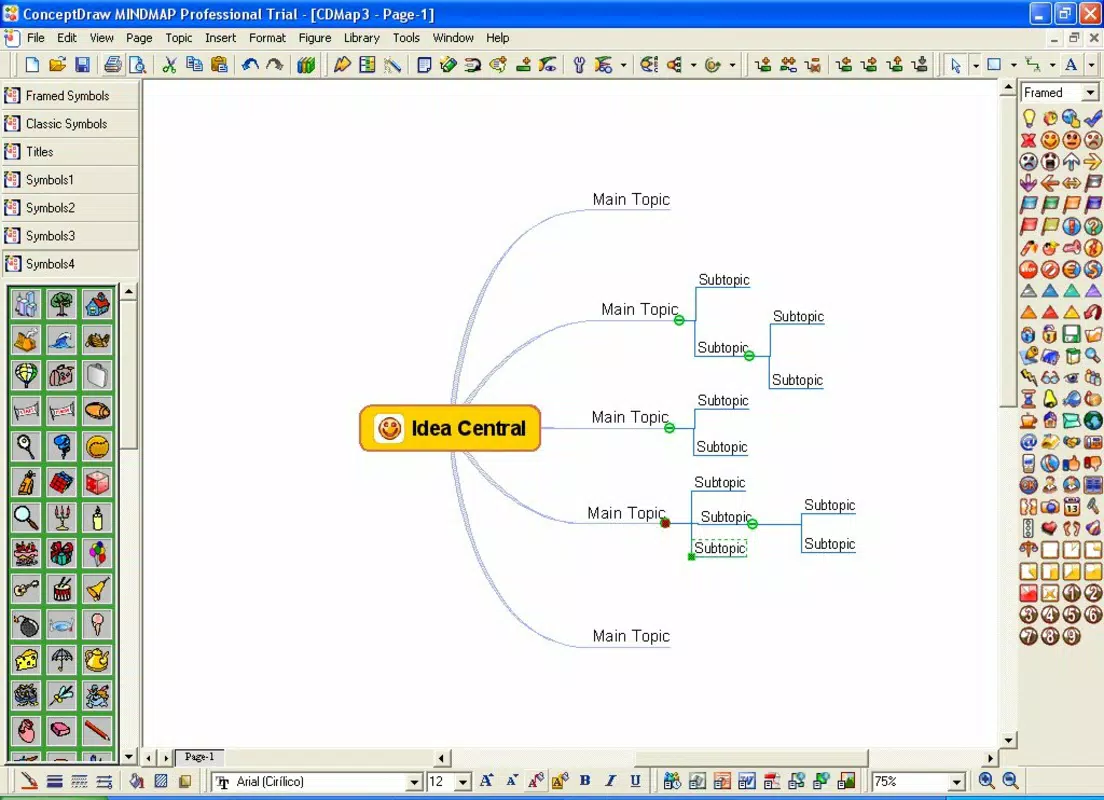
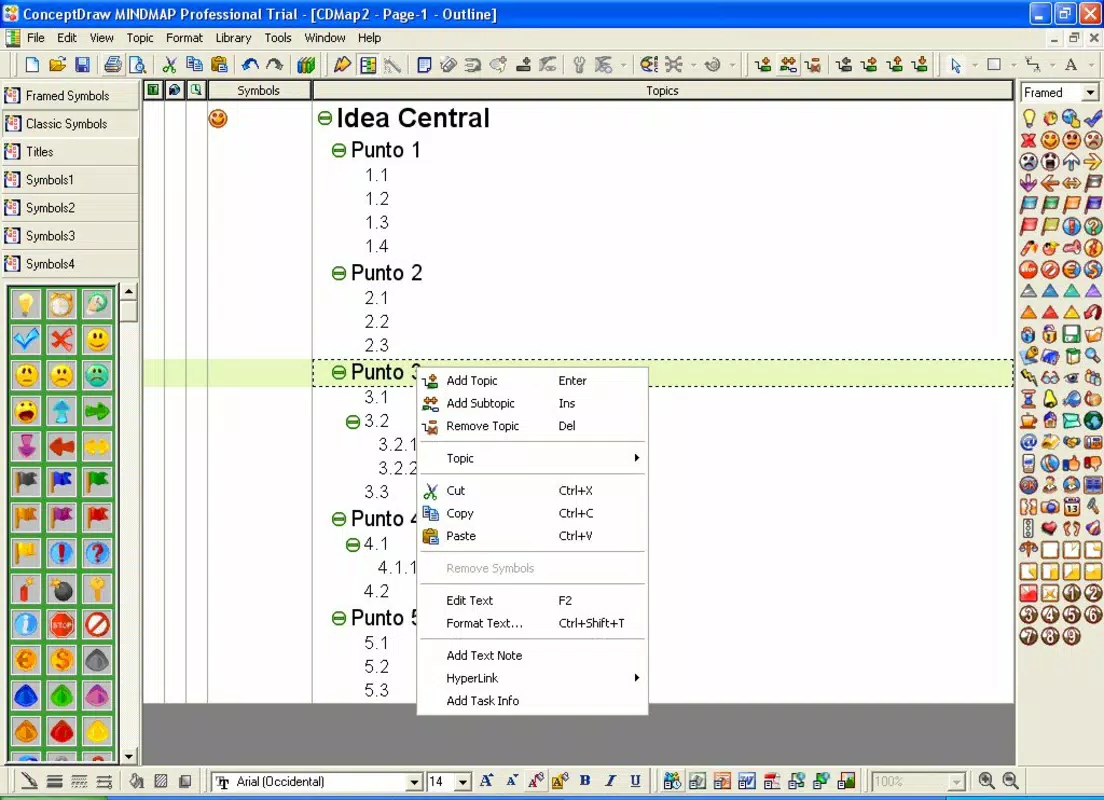
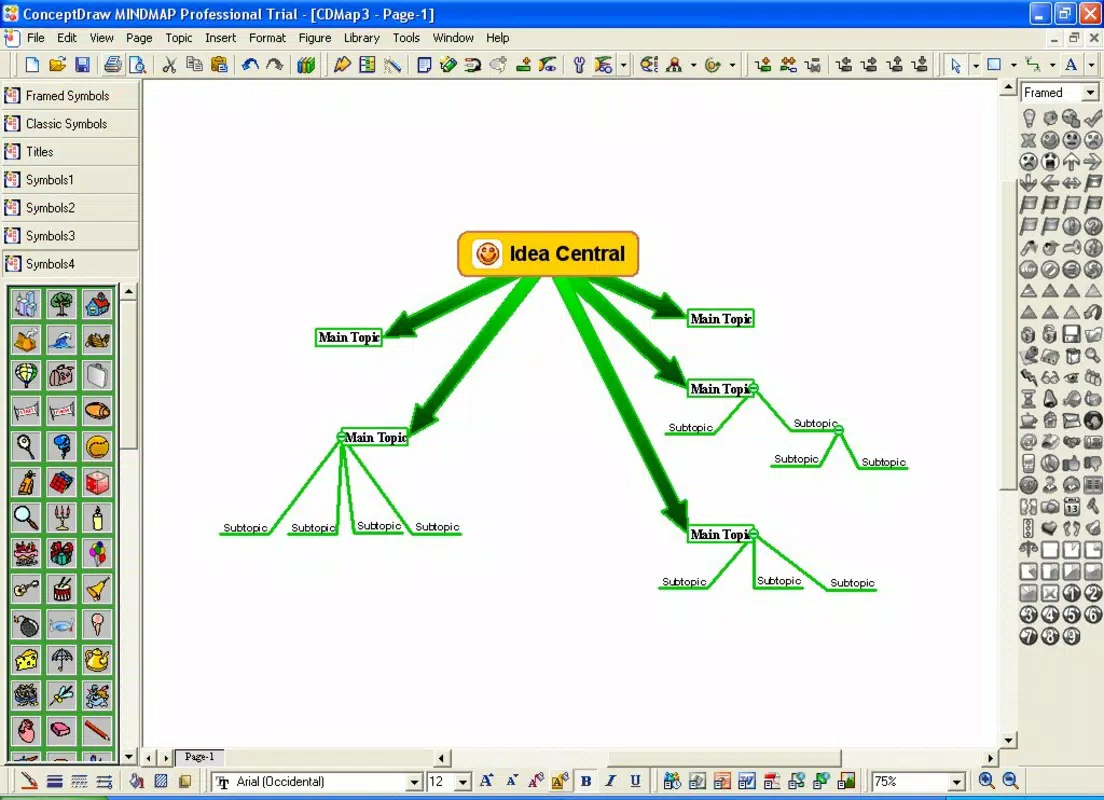
The user interface of ConceptDraw Mindmap Professional reflects a clean, minimal design focused on functionality and ease of use. Navigation is structured around a central node with branching lines, allowing users to expand and collapse ideas with intuitive gestures. The visual style emphasizes clarity, using consistent color coding and typography to distinguish between different types of nodes and relationships.
Although the developer did not list formal performance metrics, the app’s ability to handle multiple file types and dynamic links suggests optimized resource management. The interface responds smoothly to touch inputs, supporting pinch-to-zoom, drag-and-drop, and long-press actions for efficient editing. Users can expect stable performance across mid-range and high-end Android devices, though specific device compatibility was not disclosed. The app maintains responsiveness even when handling complex maps with numerous nodes and embedded media.
Stability appears to be a priority, given the app’s long release history. However, without access to real-world user reports or crash logs, definitive conclusions about long-term reliability cannot be drawn. Overall, the UX is designed to minimize friction, enabling users to focus on content creation rather than technical navigation.
Platform Compatibility & Technical Requirements
ConceptDraw Mindmap Professional is available on the Android platform. The current version is 11.0.0.158, with a file size of 130.8 MB. The app is priced at $29.95, reflecting its positioning as a premium productivity tool. While the developer did not specify minimum OS requirements or device specifications, users should expect compatibility with modern Android devices released in the last several years. The app’s size indicates it includes substantial functionality, including image rendering, file import/export, and interactive linking features.
Although the developer did not list formal performance metrics or compatibility details, the app’s availability on Android suggests it has been optimized for touch-based interaction and mobile screen sizes. Users are advised to ensure their device meets standard Android system requirements for running productivity applications. For optimal performance, it is recommended to install the app on devices with sufficient RAM and storage space.
Pros and Cons
Pros
- Intuitive interface suitable for users of all skill levels
- Supports multiple file formats for enhanced content integration
- Enables dynamic linking for interactive presentations
- Streamlines brainstorming and project planning workflows
- Offers a structured approach to idea organization and visual thinking
Cons
- Price point may be high for casual users
- Specific technical requirements were not disclosed
- Compatibility with older Android devices is uncertain
- No public information on update frequency or future development plans
- Limited visibility into customer support channels
FAQ
Is ConceptDraw Mindmap Professional available for iOS?
As of the provided information, the app is only listed for Android. No details were given about iOS availability.
Can I import PDFs and images into my mind maps?
Yes, the app supports importing PDF documents and common image formats, allowing users to embed external content directly into their diagrams.
Is the app secure for storing personal or business data?
The developer did not provide information on data encryption or privacy policies. Users should exercise caution when storing sensitive information.
How often is the app updated?
Specific update frequency was not disclosed by the developer. Users are encouraged to check the app store for the latest version.
What are the system requirements for running the app?
The developer did not specify minimum OS version or device requirements. Compatibility with older Android devices is not confirmed.
Final Thoughts
ConceptDraw Mindmap Professional stands out as a robust mobile solution for users who rely on visual thinking and structured planning. Its ability to integrate various file types, support dynamic linking, and simplify brainstorming makes it a valuable asset for professionals and students alike. While the price may be a barrier for some, the app delivers tangible benefits in organization, efficiency, and idea clarity. For those seeking a powerful, mobile-optimized tool to enhance creativity and project execution, this app offers a compelling value proposition.
Download ConceptDraw Mindmap Professional now


